Can I group billers and payees in Bill Pay?
Yes. The Groups feature helps you organize your payments. Use Groups to batch similar billers or create a list of first-half and second-half-of-the-month Billers to help with budget planning.
Consumer member
1. Under Payments & Transfers, click on Bill Pay.
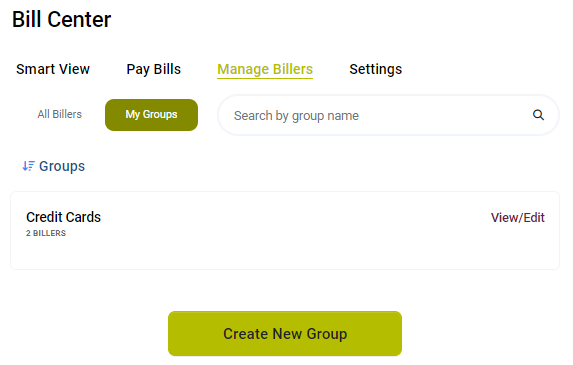
2. In the Manage Billers Section, click Create New Group.
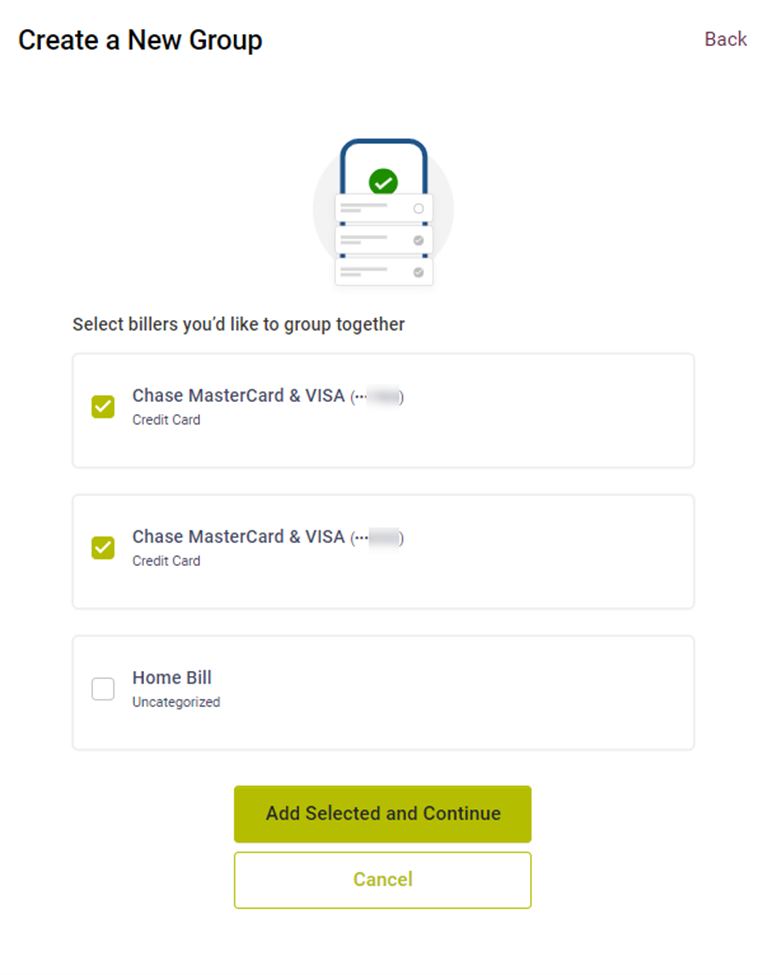
3. Select the billers you would like to group together and select Add Selected and Continue.
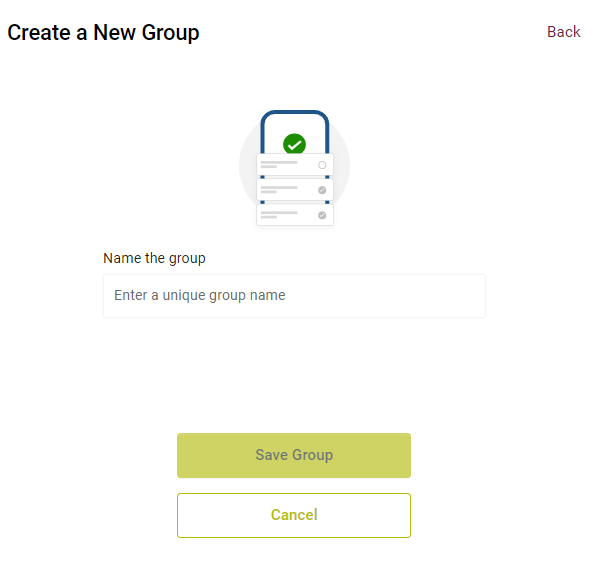
4. Enter a unique group name and select Save Group.
Note: Groups can be deleted as well. Just scroll to the bottom of the Group you wish to delete and click the delete button. The billers remain in your Biller list, but the Group will be removed.
Business member
- Under Additional Services click on Bill Pay.
- Select a Tax ID.
- Under the Groups section, click Add Group.
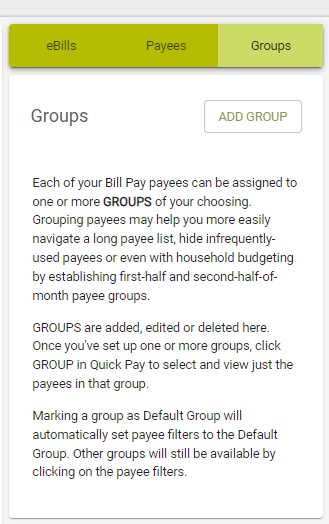
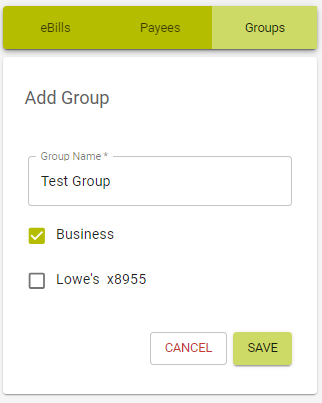
4. Enter a Group Name
5. Select the payees you wish you add to the group.
6. Click Save Group.
Note: Groups can be deleted as well. Click on the drop down arrow next to the Group you wish to delete and click the delete group button, then confirm the deletion. The billers remain in your Biller list, but the Group will be removed.